ALAR 6712 Studio Workshop Spring 2012
EXERCISE 2: SYMMETRY ANALYSIS IN 3D
Date: January 31, 2012
Due: February 21, 2012 (or in conjunction with the school-wide design
charette)
Overview:
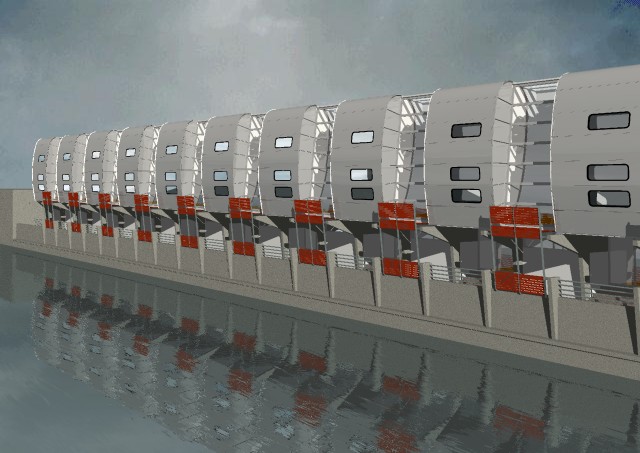
In the first exercise your were asked to explore symmetry in two dimensional space. Within this exercise, you are to exend your analysis into a three dimensional massing study. For a direct extension into the ARCH 602 studio, you are highly encouraged to apply this exercise to the abstract study of the current studio design project, which is anticipated to be the school-wide design charette on Belmont Bridge.
As in the first exercise, the work can be produced in Rhino with or without Grasshopper. Optionally, begin with a digital photograph of an object or studio model and place it as an underlay in the CAD system.
The objective is to capture symmetry not as a single static representation but to break it down into a sequence of developmental steps. Look for he potential application of translational, rotational, bilateral and affine (scale) symmetries.
translational symmetry (move and copy tools)
bilateral symmetry (mirror tool)
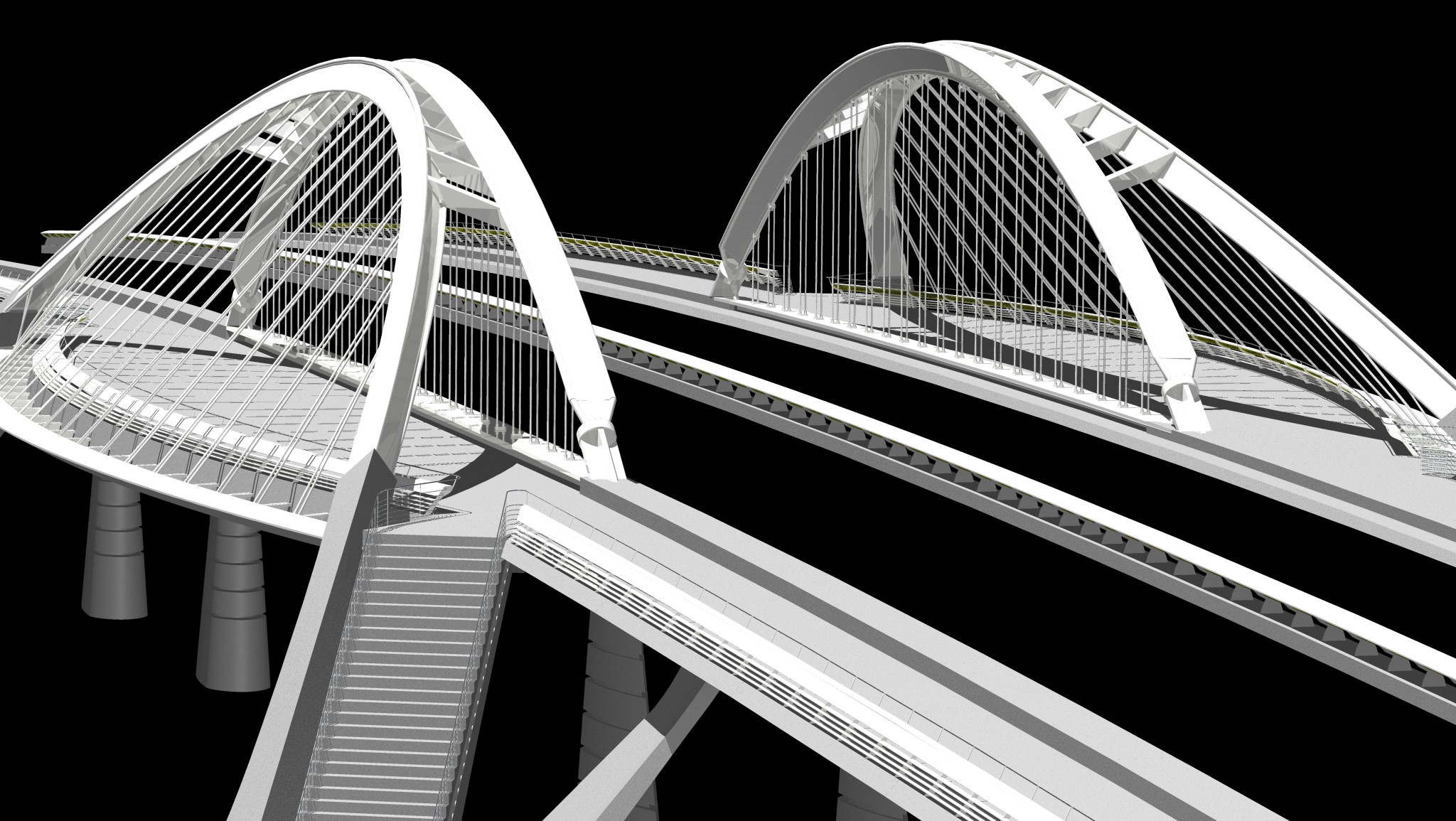
rotational and affine symmetry (rotate and scale tools)

If you undertake this exercise in Grasshopper, consider how isolating a few variables can be used to transform the entire composition from one set of inputs. Structure the Grasshopper elements to reflect a build-up of geometrical elements from a simpler series of frameworks that develop a diagrammatic understanding.
Your final model need not look like or be a replication of the actual appearance of your subject, but rather a more abstract study of its geometrical order similar to a massing model. Also, use this exercise to reacqaint or develop your understanding of construction planes.
What to Hand In
Compose your 3D model as a series of layers in the CAD system, one for
each step in your construction sequence. Alternatively, include a
script file in Grasshopper or Generative Components with input
parameters that determine the construction sequence. The primary
submission should be the Rhino or Microstation file. You may optionally
submit three to five renderings created directly in Rhino Render. You
do not need to use Maxwell, Flamingo or any of the more advanced
rendering options.
How to Hand Your Work In
Within the ALAR 6712 classes folder on Olmsted, put all the final work
in the folder: submit/yourname/exercise2. Email a short one paragraph
description of your process to Earl Mark, ejmark@virginia.edu,
Matthew Godfrey meg9j@virginia.edu,
and Charles Sparkman cs3cj@virginia.edu
.
What is to come:
In the weeks that follow, we will begin to address color, materials and
texture, and more advanced rendering techniques. We will also take on a
few examples of structuring your approach to the use of Grasshopper
with or without the Visual Basic option.
References
Mitchell, William and McCullough, Malcolm, Digital Design Media, 2nd
Edition, John Wiley and Sons, Inc., New York, NY 1997,
Thomson, D’Arcy.On Growth and Form, Cambridge University Press,
1992.